How it Works

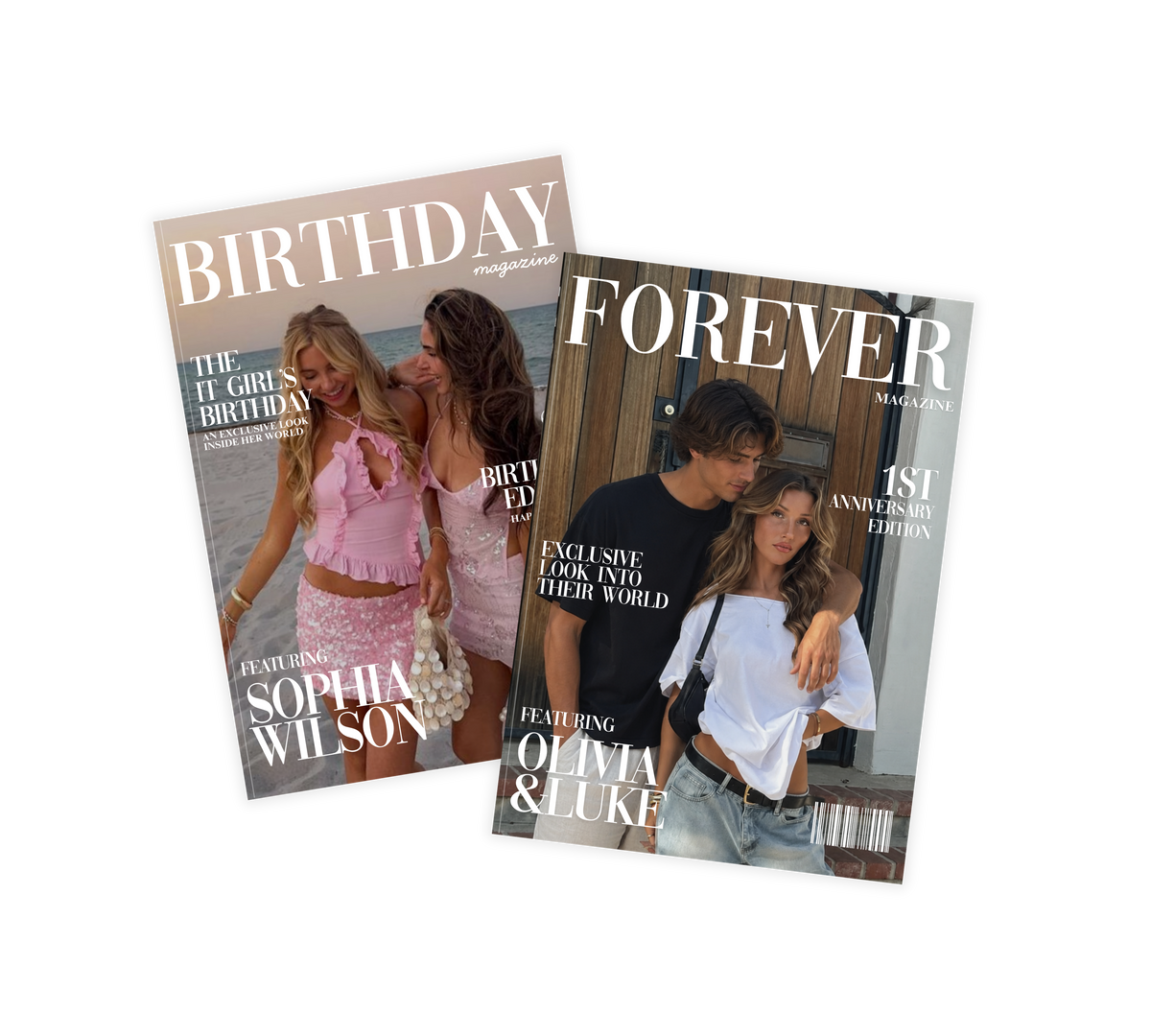
After purchase, you’ll receive a PDF containing your Canva template link and instructions. Using Canva, personalise your magazine with your own photos, text, memories and more. Once you’re finished, you can turn your design into a real magazine using Canva Print.

Three steps. Zero design skills needed.

01

Choose your template

Choose your favourite template and purchase your design. You'll instantly receive a PDF with the Canva template link and instructions.

02

Personalise in Canva

Add your own photos, stories, names and memories to make every page completely your own.

03

Print and Gift

Easily print your finished design through Canva or your preferred print provider. Please note printing is not included.
Easy to Edit in Canva

Simply drag and drop your photos and change the text. No premium account or design experience needed.

Print it like the real thing.

Once you’ve made it yours, turn your digital design into a real magazine. Simply click "print" on your Canva design, choose your size and finish, and have it printed and delivered to your door. The result? A real magazine filled with their photos and memories. A one of a kind keepsake they’ll look back on for years to come

Please Note: Printing is an additional cost through Canva Print separate from BlairMagazines. Listings are for the template only. Printing instructions and guidance is provided.

Create your own custom magazine.

Easily personalise your template in Canva with your own photos and words. Then turn your finished design into a real magazine.

Shop Templates
Birthday Magazine Gift
Birthday Magazine Canva Template
Before After